
Download ApowerManager Phone Manager – file transfer, file manager, mobile device, Android, iOS, document preview, photo editor, music player, desktop application
Overview
ApowerManager Phone Manager is a desktop application designed to simplify the process of transferring and managing files between mobile devices and computers. It serves as a comprehensive tool for users who frequently move data between their Android and iOS devices and their desktop systems. The software enables seamless file transfers, allowing users to move photos, audio, documents, contacts, and other media without relying on cloud services or complex manual methods.
Its primary purpose is to streamline daily digital workflows by offering a centralized interface for organizing and accessing mobile content directly from a PC. The application supports both Android and iOS platforms, making it a versatile solution for users with mixed-device ecosystems. Real-world usage scenarios include backing up important photos before upgrading a phone, transferring large audio files for editing, or reviewing documents such as Excel spreadsheets and PowerPoint presentations directly on a larger screen.
ApowerSoft, the developer behind the tool, has positioned ApowerManager as a user-friendly utility that enhances productivity and convenience. The software is particularly beneficial for professionals, students, and casual users who manage large volumes of mobile content and require a reliable, local method of file handling. While the developer did not provide additional background on their development practices, the tool’s focus on direct device connectivity suggests a commitment to performance and security through local data access.
Key Features & Capabilities
- Seamless File Transfers – Enables quick and reliable movement of files between mobile devices and desktops, supporting a wide range of file types including photos, videos, documents, and audio files.
- Integrated File Manager – Offers a structured view of all files on connected Android and iOS devices, allowing users to sort, rename, and delete files directly from the desktop interface.
- Document Preview Functionality – Supports real-time preview of common document formats such as Excel spreadsheets and PowerPoint presentations, eliminating the need to open external applications.
- Photo Viewing and Editing – Allows users to preview images in high quality and perform basic editing tasks such as cropping, rotating, and adjusting brightness directly within the application.
- Music Player Integration – Built-in audio playback feature lets users listen to music files stored on their mobile devices without launching a separate media player.
These capabilities are especially useful for users who manage content across multiple devices and want to avoid the delays and limitations of cloud-based syncing. For example, a photographer can quickly transfer a batch of images to a PC for editing, while a student can preview a lecture presentation before class. The ability to edit photos and play music directly from the app enhances the overall user experience by reducing the need for multiple tools.
User Interface, Workflow & Performance
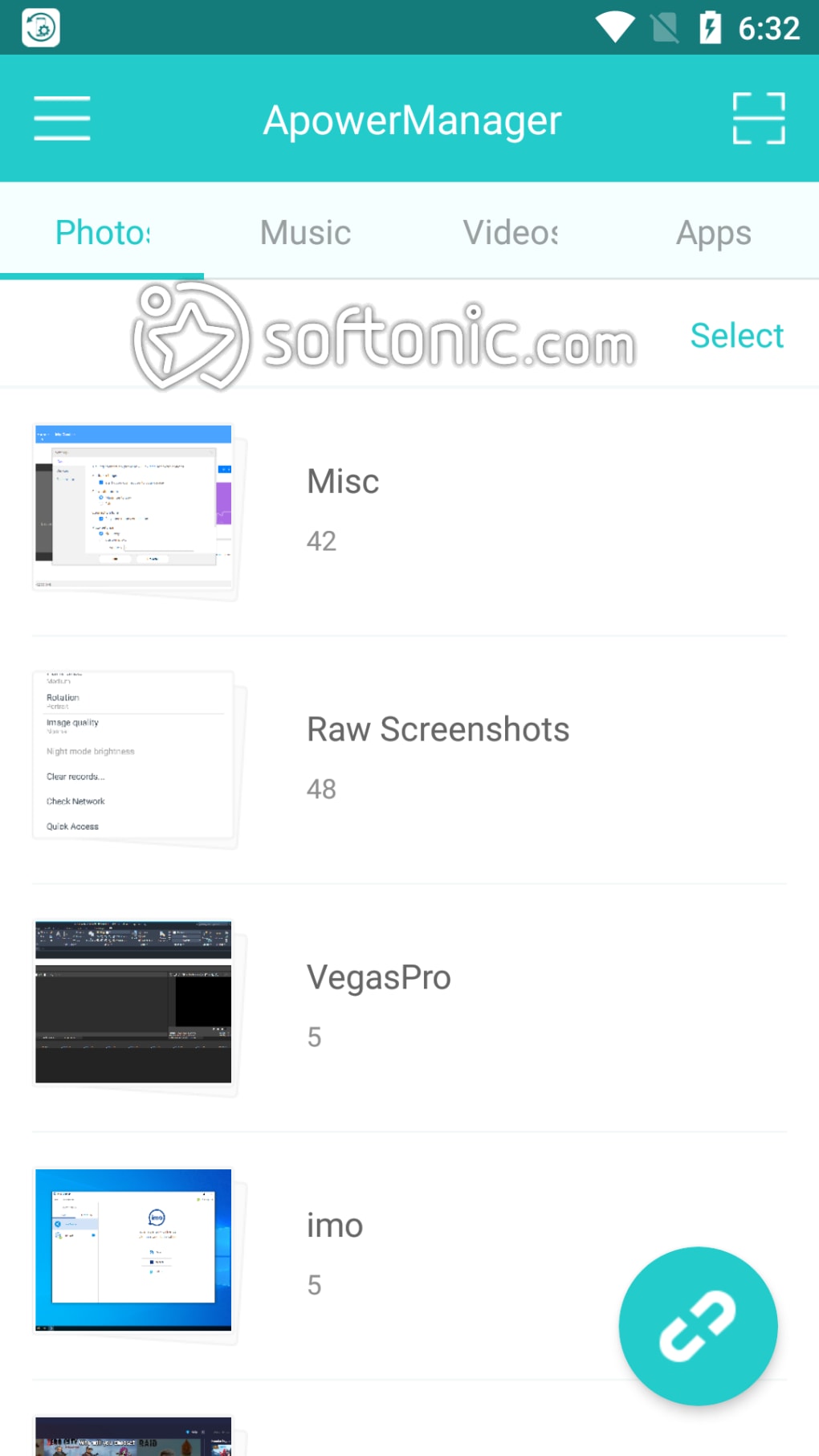
ApowerManager features a clean, intuitive user interface that organizes content into clearly labeled sections such as Photos, Audio, Documents, and Contacts. Navigation is straightforward, with a sidebar menu that allows users to switch between different file categories and connected devices. The layout is designed for efficiency, minimizing clicks and enabling fast access to frequently used functions.
Workflow efficiency is enhanced by the application’s ability to detect connected devices automatically and display their contents immediately upon connection. Users can drag and drop files between the desktop and mobile device, streamlining the transfer process. The interface also supports batch operations, such as selecting multiple files for transfer or deletion.
Performance observations are based on general software behavior patterns. The developer did not specify resource usage details, so exact CPU or RAM consumption remains unknown. However, the application’s design suggests it operates efficiently in the background without significantly impacting system performance. Stability appears to be consistent with typical desktop utilities, though real-world usage may vary depending on device speed and file size.
Compatibility & System Requirements
ApowerManager is compatible with both Windows and Mac operating systems, making it accessible to a broad user base. The software is available in version 2.0.0, with an installation size of 123.4 MB. This indicates a moderate footprint, suitable for most modern desktop systems.
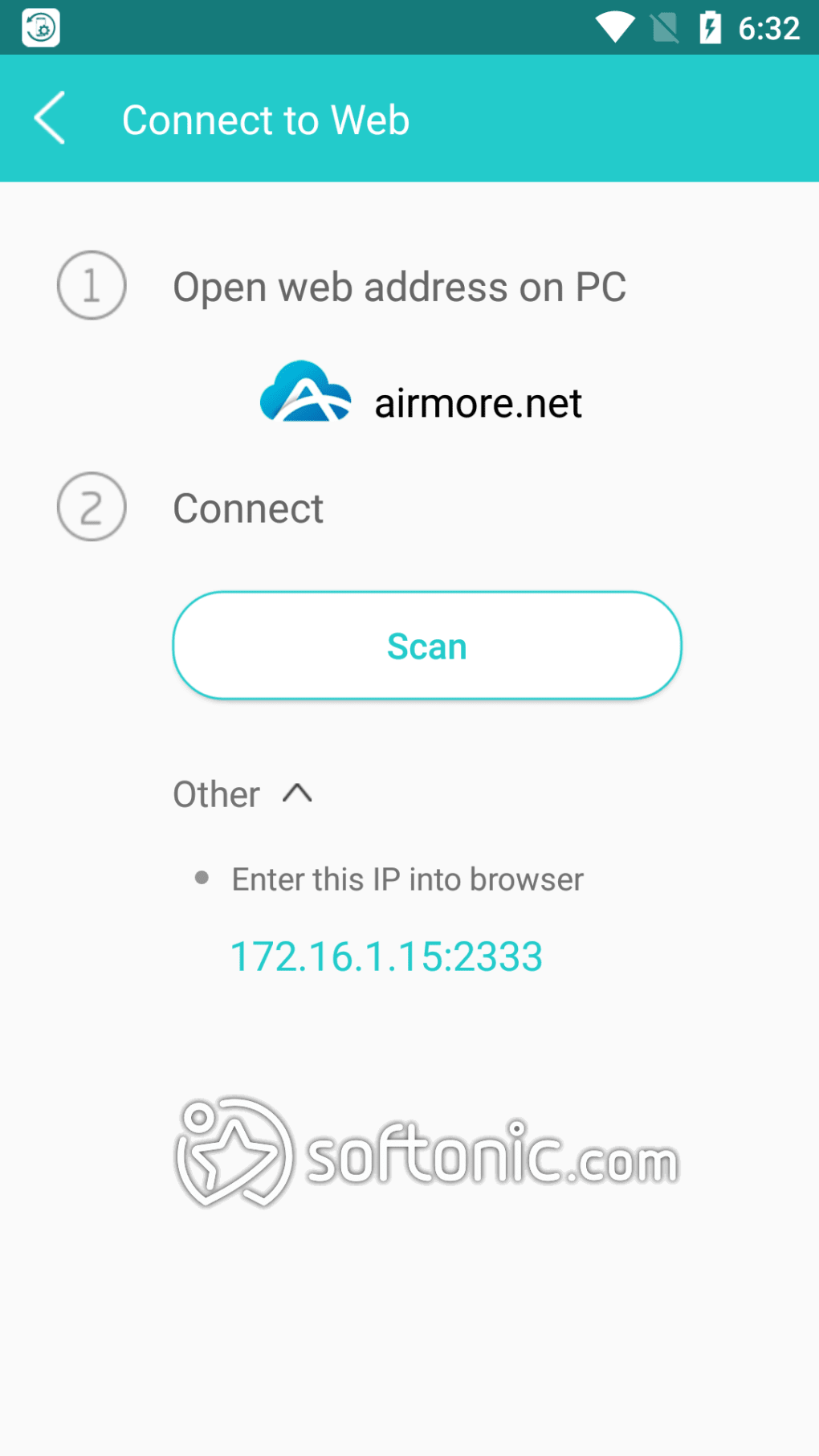
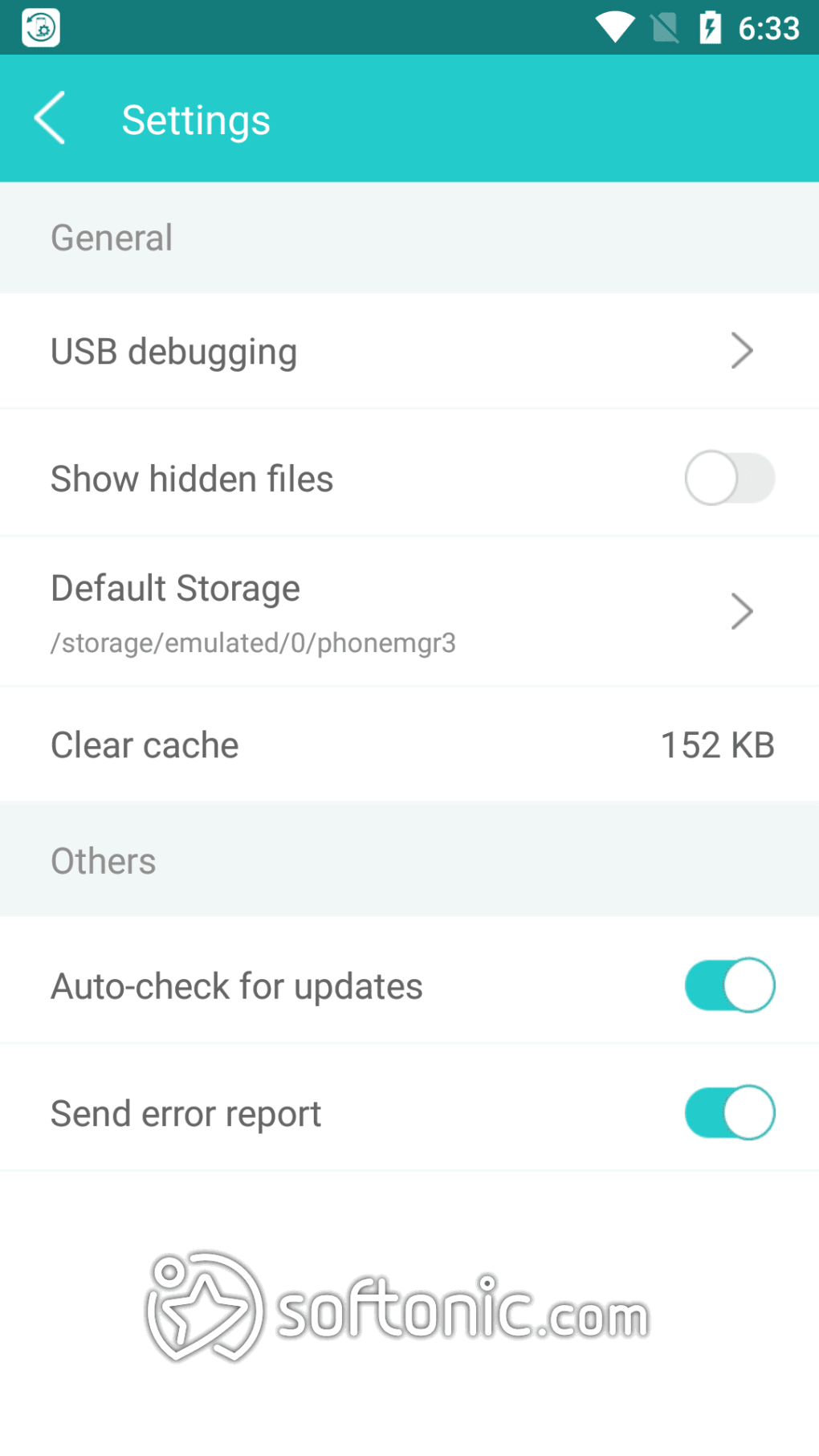
Exact system requirements were not listed by the developer. Compatibility information was partially provided, confirming support for Android and iOS devices. The application likely requires a USB connection or Wi-Fi pairing for device communication, though specific protocols were not detailed. Users should ensure their mobile devices have USB debugging enabled (for Android) and proper permissions granted (for iOS) to establish a stable connection.
Pros and Cons
Pros
- Supports both Android and iOS devices for unified file management
- Intuitive interface with easy navigation and drag-and-drop transfers
- Offers document preview for Excel and PowerPoint files directly in the app
- Includes basic photo editing and built-in music player functionality
- Compact installation size of 123.4 MB
Cons
- Exact system requirements were not specified by the developer
- Resource usage details (CPU/RAM) were not provided
- May require additional setup steps for iOS devices
- Limited to desktop-based management; no mobile companion app mentioned
- Price point of $14.99 may be considered high for a single-purpose tool
FAQ Section
Is ApowerManager compatible with both Android and iOS devices?
Yes, ApowerManager supports both Android and iOS platforms, allowing users to manage files from either type of mobile device through a single desktop application.
Does ApowerManager require an internet connection to function?
ApowerManager can operate offline once installed. File transfers and management are conducted via direct device connection, typically through USB or Wi-Fi, without requiring an active internet connection.
Is the software safe to download and use?
ApowerManager is developed by ApowerSoft and distributed through official channels. It is recommended to download the software only from trusted sources to ensure security and avoid potential malware.
How often are updates released for ApowerManager?
The software was released on August 10, 2023, and is currently at version 2.0.0. While update frequency is not specified, developers typically release updates to fix bugs, improve compatibility, and enhance performance.
Can I use ApowerManager without a license?
ApowerManager is a paid software with a price of $14.99. A free trial may be available, but full functionality typically requires a valid license. Unauthorized use of the software may violate the terms of service.
Final Thoughts
ApowerManager Phone Manager stands out as a practical desktop utility for users seeking a reliable, all-in-one solution for managing mobile content. Its ability to handle file transfers, document previews, photo editing, and music playback within a single interface offers significant convenience. While the lack of detailed system requirements and performance metrics limits deeper technical evaluation, the software’s core functionality is well-executed and user-focused.
It is particularly suited for professionals, students, and creative users who manage large volumes of mobile data and value local, secure access. The dual support for Android and iOS makes it a valuable tool in mixed-device environments. Despite the modest price tag, the feature set justifies the investment for users who prioritize efficiency and integration.
Download ApowerManager now





.png)

